 ProgressProgress
Progress is an Android progress tracking app for personal projects, goals, tasks, and subtasks. Break big goals into tasks and subtasks, set a progress percentage for each, and watch your project's progress bar fill automatically — so you always see how far you've come, and whether you'll hit your deadline.
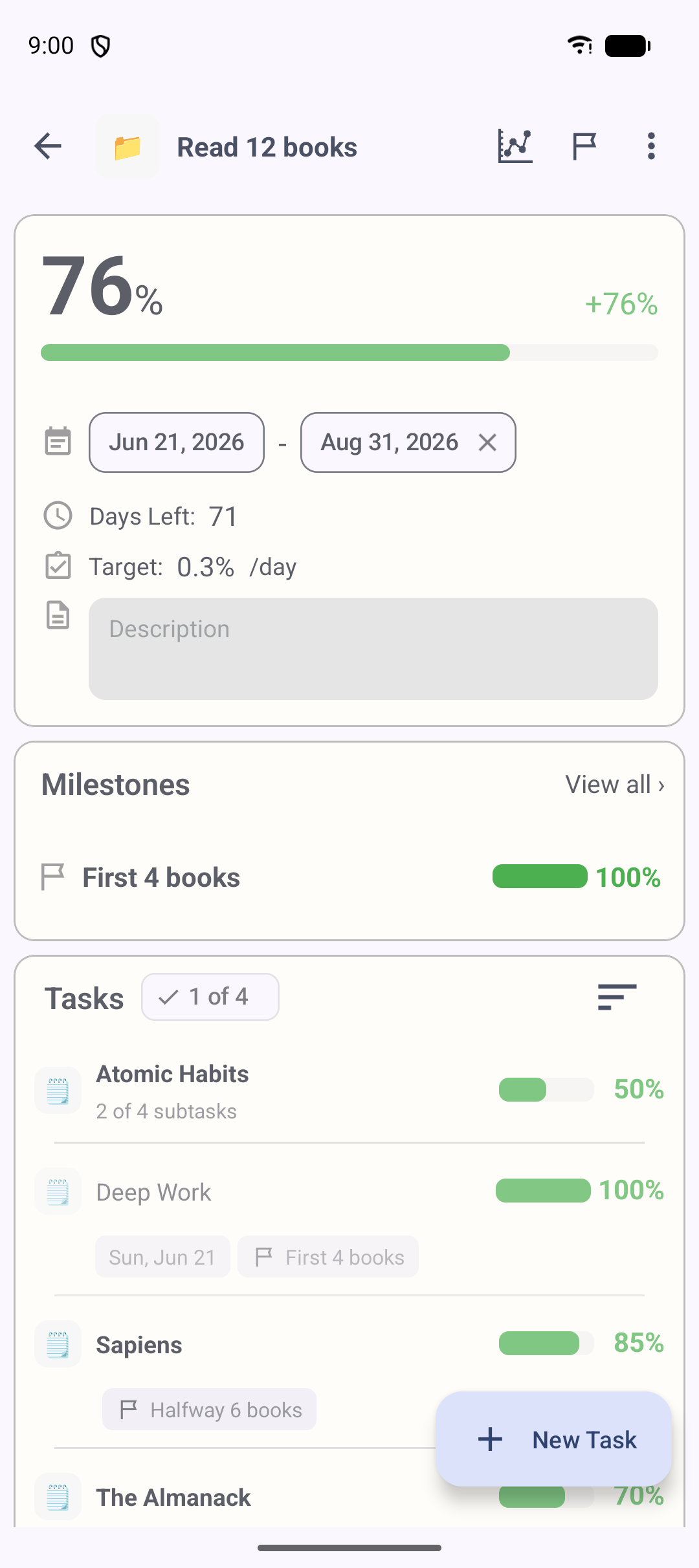
Progress is an Android progress tracking app for personal projects, goals, tasks, and subtasks.
Unlike a simple to-do list that only tells you whether a task is done or not, Progress focuses on how far you've moved toward a goal. You break a project into tasks and subtasks, give each one a progress percentage from 0 to 100%, and Progress rolls those numbers up into a single project progress bar automatically. Add start dates and due dates, and it even tells you whether you're on track to finish in time.
It works well as a project tracker, goal tracker, and task progress tracker for long-term efforts — the kind of goals where "done / not done" isn't enough and you want to see steady momentum build over weeks and months.
People managing personal goals and long-term projects, including:
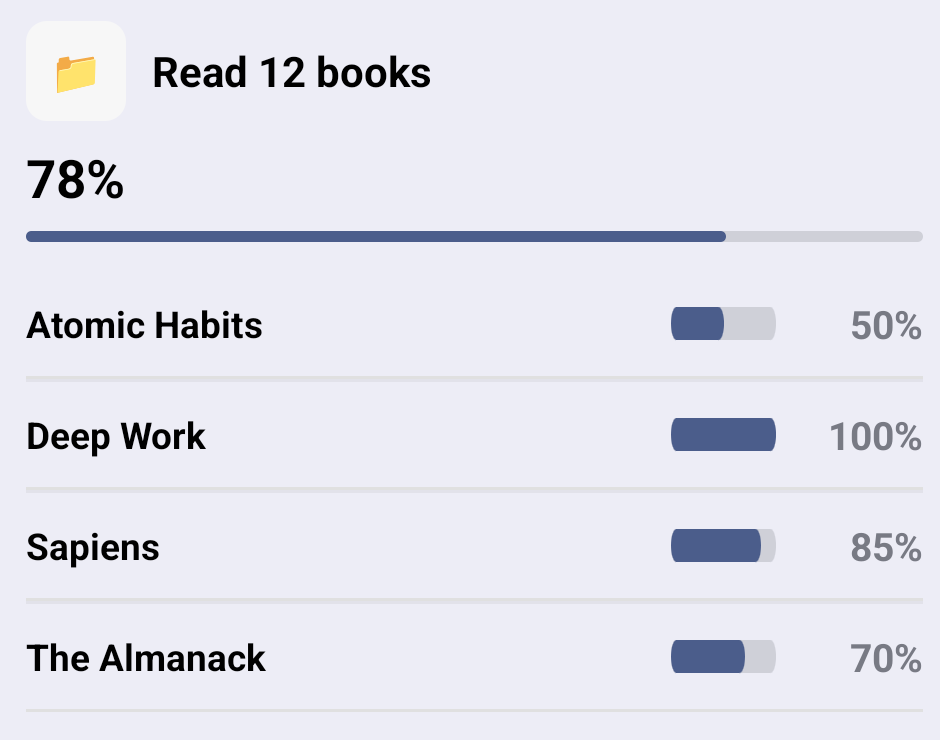
Every task you finish moves the bar. No spreadsheets, no manual math.
Just enter each task's progress rate, and your whole project percentage updates automatically. Subtask progress rolls up into its parent task on its own.
Set a start date, a due date and your target, and Progress tells you whether you're ahead or behind schedule. It also shows a daily target, so even big long-term plans feel manageable one day at a time.
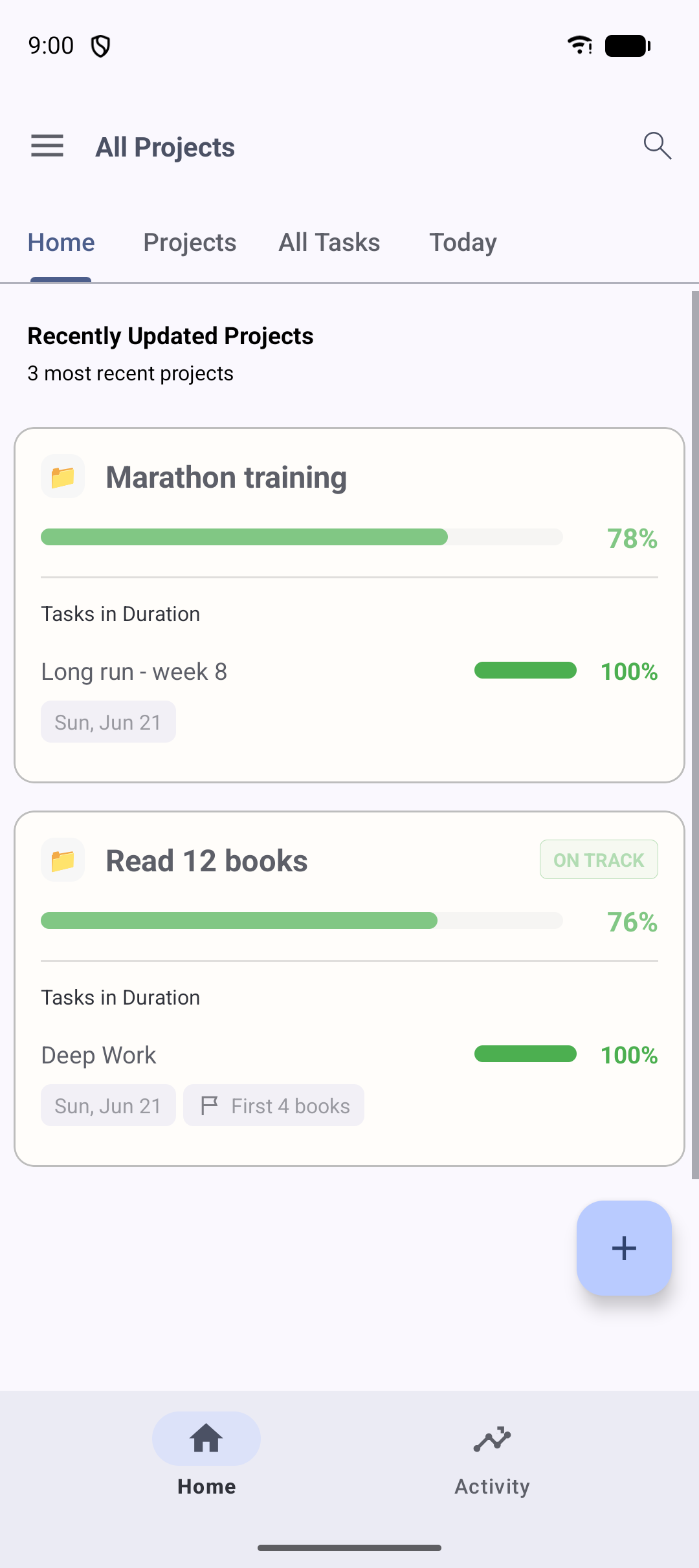
Give important tasks more weight, so your progress reflects the work that actually matters — not just how many boxes you've ticked. Heavier tasks move the bar more.
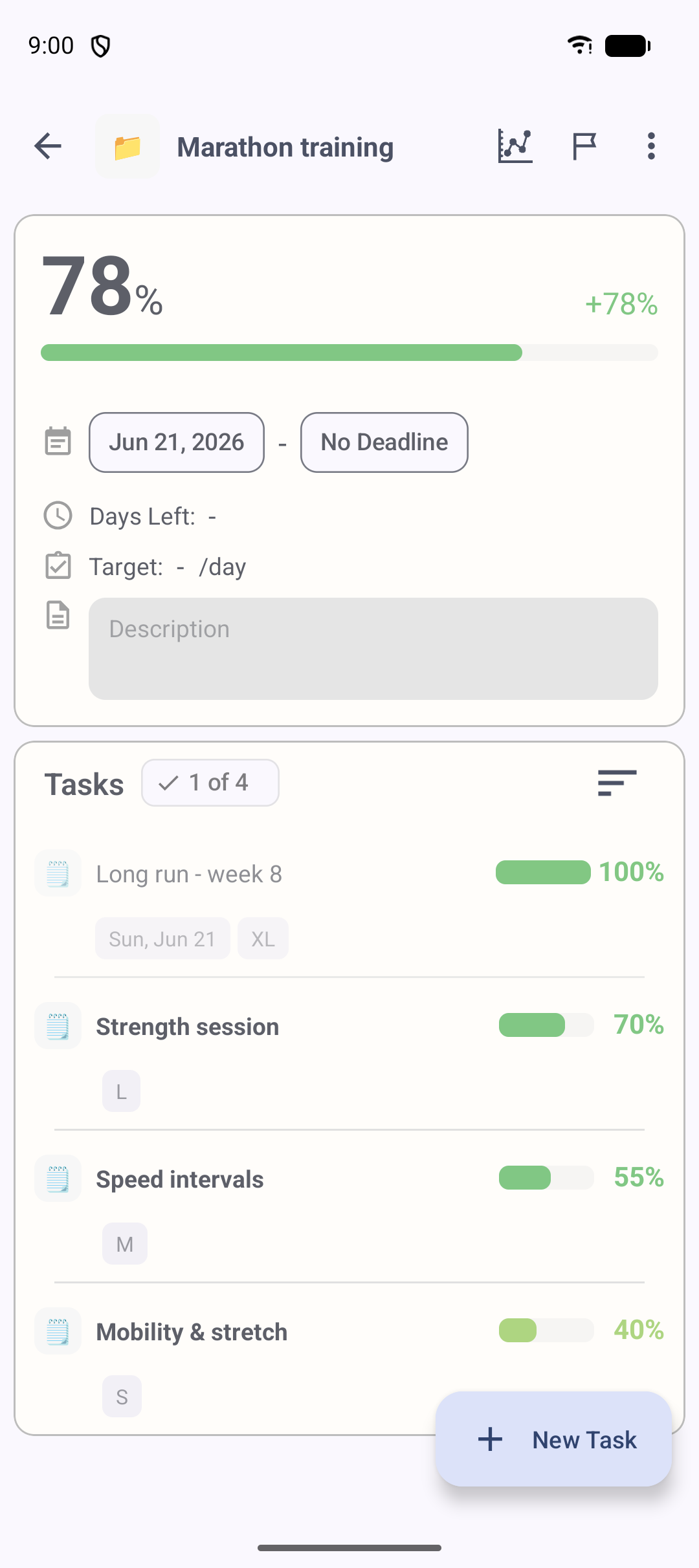
Start a built-in timer on any task or subtask and watch your effort add up. The activity heatmap shows how consistently you've been working.
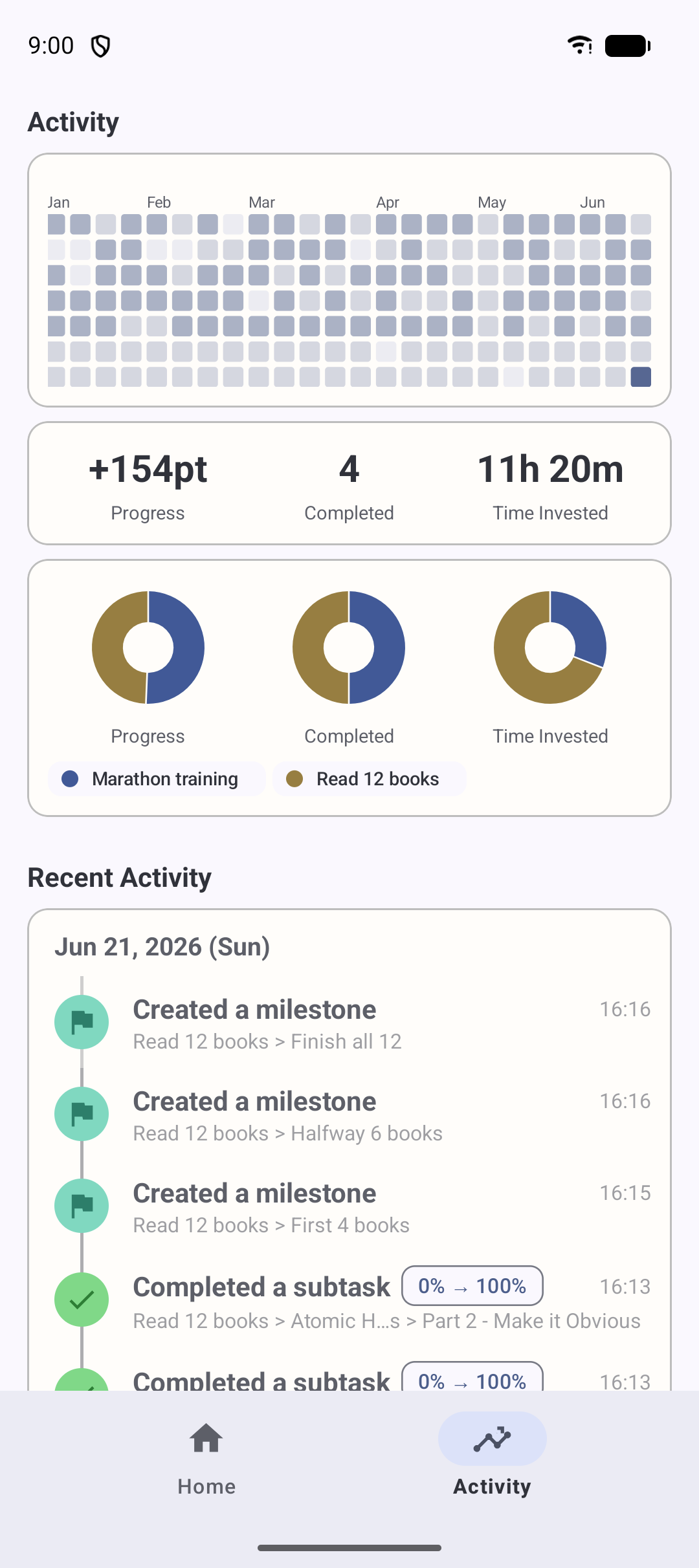
The Today screen sorts your day for you, and reminders nudge you about tasks due today. The home screen widget lets you check your progress at a glance — without even opening the app.
“Fantastic! No ads. Simple, effective, useful. Great for creating projects, tasks, subtasks and visual tracking of progress.”
“This application is absolutely perfect — simple, elegant. I've never written a review before, but I couldn't stop myself from rating it. After a task gets completed, the progress-meter filling animation is so soothing. Thank you so much!”
“Best app for tracking task progress. I tried so many apps and finally found what I need. Simple and fantastic design. One of my favorite productivity apps. Thank you so much, team!”
“Been looking for this for a long time. The tracking interface really shows the progress and gives you a tangible way to realize how much has been done and how much is left to do. Very useful.”
“Very helpful for tracking my syllabus while studying. Shows progress as a percentage, which is cool. One of a kind on the Play Store. Great job, developers — 5 stars!”
“Amazing app. Really changed my life. I couldn't tell how much I had to do each day to reach my goals — now I can, with the days left for every subtask. Thanks a lot to the team!”
The essentials are free, forever. The Expert Plan unlocks a few extras for power users.
Bug reports, feature requests and any other questions are always welcome.